
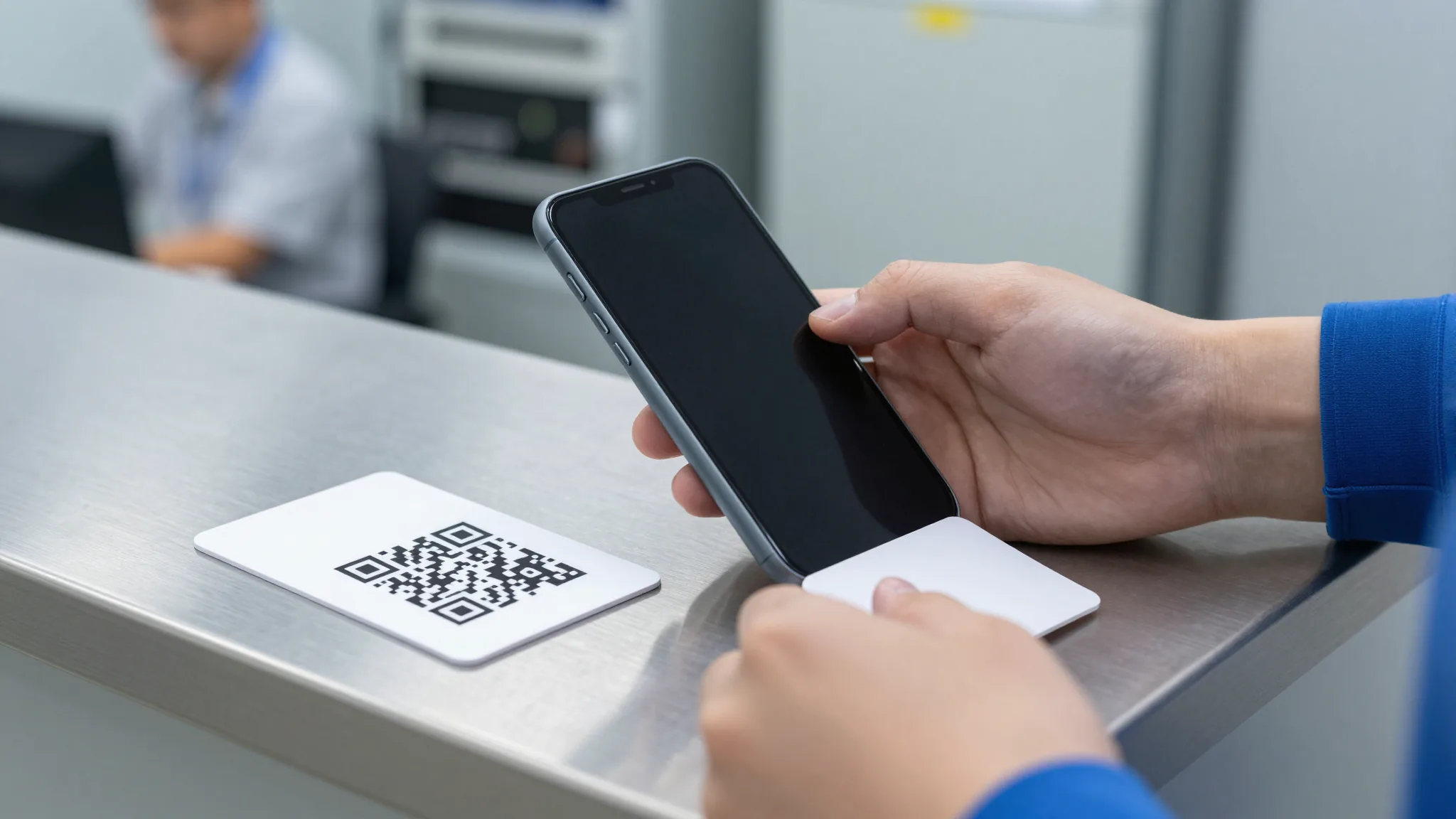
Can You Reuse an eSIM QR Code: The Practical Answer Behind One-Time Activation
eSIM QR codes are designed for one-time use, which means once you scan and install an eSIM profile on a device, the same QR code cannot be reused to activate the same profile on another device. This is a standard security measure across the eSIM ecosystem: each QR code ties a unique profile to a single activation event, and reusing it would undermine both account integrity and carrier provisioning logic. In practice, if you need the same connectivity on a second device, you must obtain a fresh QR code or a new eSIM profile from the provider.
The short answer is therefore no: an eSIM QR code is generally not reusable after it has been scanned and installed. Understanding why this is the case helps avoid wasted time, failed activation attempts, and the risk of locking yourself out of service during travel or a device switch.
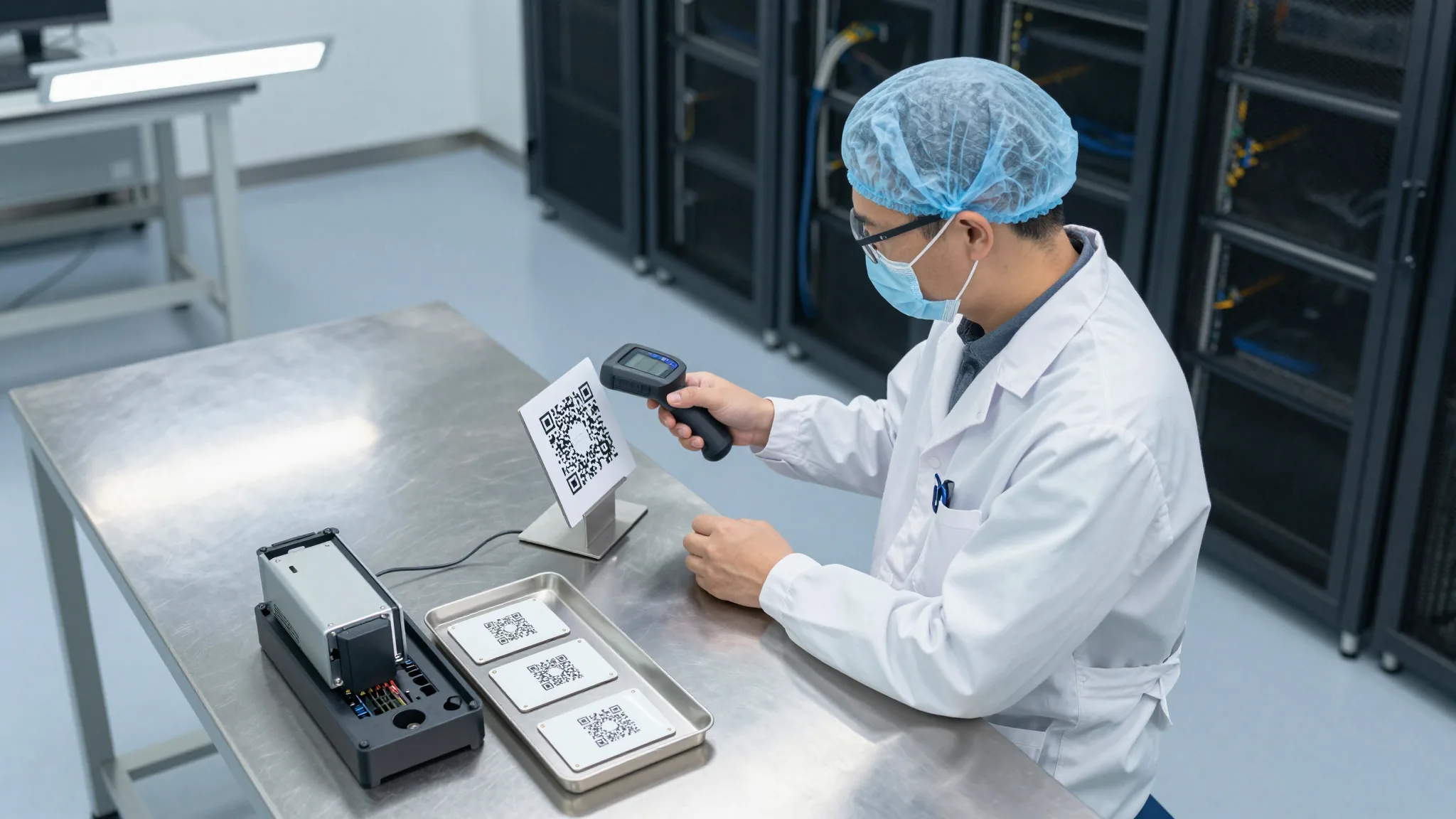
Why an eSIM QR Code Is Tied to a Single Device
Each eSIM QR code encodes a unique identifier that maps to a specific profile and provisioning session. When a device scans the code, the carrier or provider marks that session as completed and links the profile to the device’s eSIM storage. Because the activation is recorded as used, the same code cannot simply be scanned again to recreate the same profile elsewhere. This one-time binding is intentional: it prevents unauthorized duplication, reduces fraud, and ensures that billing, data allocation, and roaming rules are applied consistently.
From a technical standpoint, eSIM provisioning is not like downloading a file that can be copied repeatedly. It is closer to activating a key that is valid for one unlock. Once that unlock happens, the key is consumed. This is why attempts to scan the same QR code on a second phone usually fail immediately, or produce an error indicating that the profile is already active or already assigned.
What Happens If You Try to Scan the Same QR Code Twice
If you scan an eSIM QR code that has already been used, the result is typically a failed activation. Some devices will show a generic error message, while others may indicate that the profile is invalid, already installed, or unavailable. In a few cases, the provider’s app or portal may allow you to request a new code, but that is a new activation, not a reuse of the original QR code.
This behavior is consistent across most providers because the underlying provisioning system is shared or interoperable. Even if you save the QR code as an image and try to scan it later, the activation record has already been created. The QR code itself does not carry an unlimited supply of profiles; it is a one-shot entry point to a single profile instance.
Can You Reuse an eSIM QR Code After Deleting the Profile?
Many users assume that deleting an eSIM profile from a phone might free up the QR code for reuse. In most cases, this is not true. Deleting the profile from the device removes local access, but the activation record on the provider’s side remains. The QR code is still marked as used, and scanning it again will not generate a fresh installation. If you need to move to a new device, you will typically need to request a new QR code or activate a new profile through the provider’s app or account page.
There are limited exceptions depending on how the provider manages provisioning. Some services allow you to deactivate a profile and then reactivate it, which may involve generating a new QR code. Others support profile transfer between devices through an app-based workflow rather than a QR code. However, these are new activations or managed transfers, not literal reuse of the original QR image.
How to Handle Device Changes Without Relying on a Reused QR Code
When planning for a device change, the safest approach is to treat every eSIM activation as a fresh event. Before switching phones, check whether the provider offers in-app activation, a new QR code on demand, or a transfer feature that moves the profile without requiring a physical scan. If you are traveling, it is wise to keep a backup method available, such as a physical SIM or a pre-downloaded profile, in case the new device cannot complete activation immediately.
For practical troubleshooting, follow these steps when you suspect a QR code has already been consumed: first, confirm whether the profile is already active on another device. Second, check the provider’s account dashboard for options to generate a new code or deactivate an existing profile. Third, if activation still fails, contact support with the profile identifier and device details rather than repeatedly scanning the same image. This avoids unnecessary errors and speeds up resolution.
What Risks Come From Assuming a QR Code Can Be Reused
Assuming that an eSIM QR code can be reused creates several avoidable risks. The most immediate is service interruption: you may arrive at a destination with a phone that cannot connect because the profile was already assigned elsewhere. Beyond that, repeated scan attempts can clutter support tickets and delay troubleshooting, especially if the provider’s system flags the QR code as repeatedly attempted on multiple devices.
There is also a subtle account risk. If a QR code is shared or forwarded unintentionally, another person could activate the profile first, leaving you without service. Because the QR code is one-time, you cannot simply reclaim it after the fact. This is why it is important to store activation codes securely and avoid sharing screenshots of QR codes in public channels or group chats.
Yes, but only in the narrow sense that an unscanned QR code can be used once. If the code has never been scanned or activated, it remains valid for a single installation. The moment it is scanned and the profile is provisioned, it becomes non-reusable. Therefore, the key distinction is not whether the code “looks” the same, but whether the activation event has already occurred on the provider’s system.
This is why timing matters. If you are preparing to switch devices and still hold an unused QR code, you can use it on the new device before it is consumed. Once that happens, the code is done. For multiple devices, the correct approach is to request separate profiles or separate QR codes rather than expecting one code to serve more than one phone.
Practical Advice for Managing eSIM QR Codes Across Devices
To manage eSIM QR codes effectively, adopt a simple workflow: activate only when you are ready, keep the QR code secure until use, and plan for new activations rather than reuse. If you anticipate needing connectivity on more than one device, request additional profiles in advance. If you are troubleshooting a failed activation, gather the profile ID, device model, and timestamp of the scan attempt before contacting support.
Finally, remember that eSIM provisioning is designed around single-use activation. This is not a limitation to work around but a security model to respect. By treating each QR code as a one-time key, you reduce the chance of service loss, minimize support friction, and ensure that your connectivity remains reliable when you need it most.
Bitcoin has moved sharply lately, so the upside and the risk need to be measured together.
Checking network fees and platform rules before a transfer is especially important for beginners.