
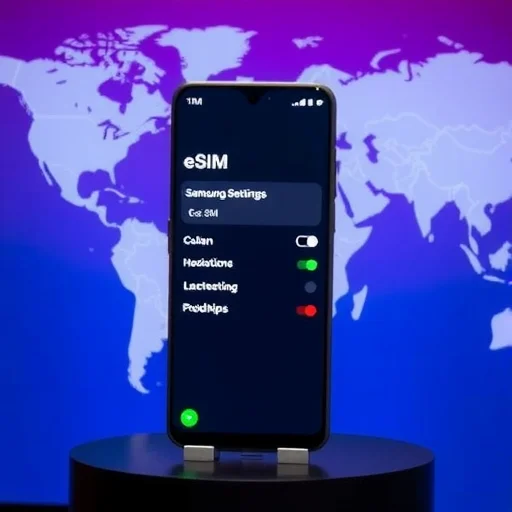
Does the Samsung Galaxy A54 Support eSIM? Here’s Everything You Need to Know
If you’re considering the Samsung Galaxy A54—a popular mid‑range phone that offers a great balance of features and affordability—you might be wondering whether it supports eSIM. eSIM technology allows you to activate a cellular plan without a physical SIM card, which is increasingly useful for travelers, dual‑SIM users, and anyone who wants flexibility. This guide answers the question of whether the A54 has eSIM, how to use it, and what to consider if you’re planning to use eSIM for travel or daily use.
First, the short answer: **Yes, the Samsung Galaxy A54 supports eSIM**. Samsung introduced eSIM support in many of its A‑series phones starting with the A54. However, there are regional variations, and it’s important to understand exactly how eSIM works on this device.
The Galaxy A54 comes with a hybrid SIM slot that can hold either two physical nano‑SIM cards or one physical SIM and one microSD card. In addition, it supports eSIM, which means you can have a physical SIM and an eSIM active simultaneously, or two eSIMs (though only one can be active at a time alongside a physical SIM, depending on the software version). This gives you the flexibility to use a local physical SIM for voice and a travel eSIM for data, or vice versa.
So, how do you set up an eSIM on the Galaxy A54? The process is straightforward:
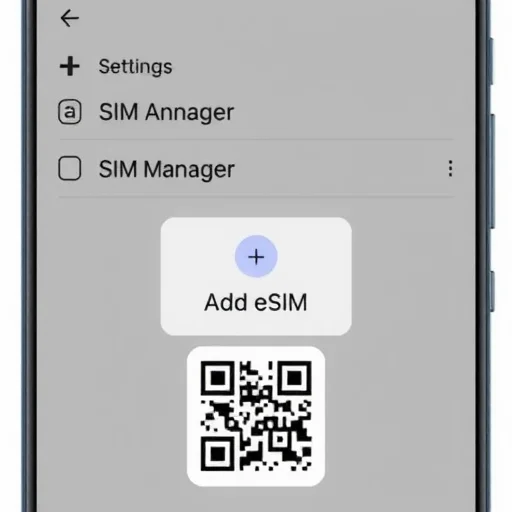
Go to **Settings** > **Connections** > **SIM Manager**.
Tap on **Add eSIM**.
You’ll be given the option to scan a QR code from your carrier or travel eSIM provider, or to activate a plan manually by entering details.
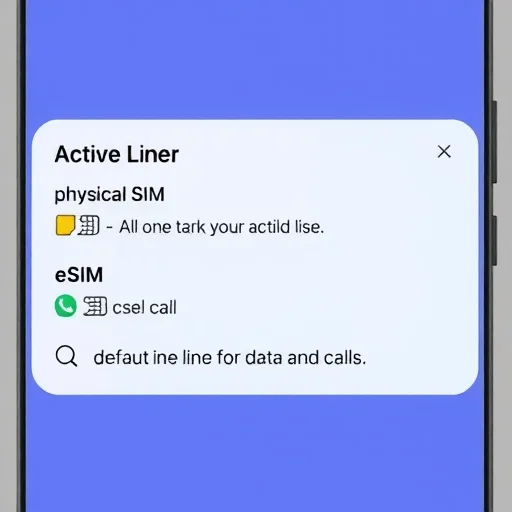
Follow the on‑screen prompts. Once added, you can label the eSIM (e.g., “Travel,” “Work”) and choose which line is used for calls, texts, and data.
Now, let’s talk about regional variations. While the Galaxy A54 supports eSIM in many regions, there are some countries where the feature may be disabled due to carrier restrictions or local regulations. For example, in some markets, the A54 may come with eSIM disabled out of the box, or it may be enabled only through a software update. If you’re buying the phone in a region where eSIM is not commonly used, it’s worth checking with the retailer or Samsung support to confirm.
Another important point: the Galaxy A54 supports 5G in many regions, and eSIM works seamlessly with 5G networks. This is great for travelers who want fast data speeds on local eSIM plans.
What are the use cases for eSIM on the Galaxy A54?
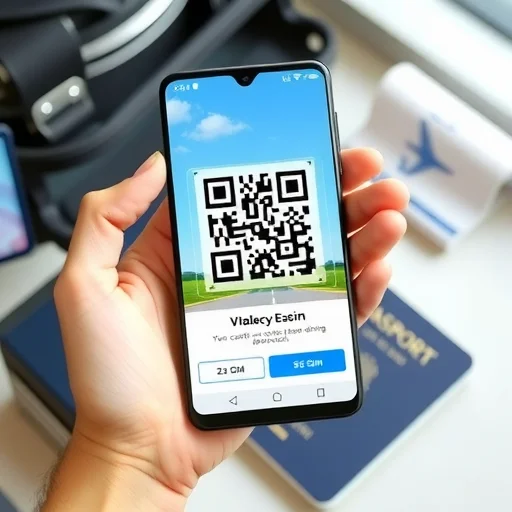
**International travel**: Instead of buying a physical SIM at the airport, you can purchase a travel eSIM online (from providers like Airalo, Nomad, or Holafly), scan the QR code, and have data the moment you land. You can keep your home physical SIM for calls and texts.
**Dual‑SIM usage**: You can use one physical SIM for your personal number and an eSIM for a work number, or vice versa. This lets you carry one phone with two separate lines.
**Temporary plans**: If you want to try a new carrier or use a short‑term data plan, eSIM makes it easy to add a plan without waiting for a physical SIM to arrive.
Let’s look at a few scenarios.
**Scenario 1: Traveling to Japan.** You have a Galaxy A54 with your home physical SIM. Before your trip, you buy a 10GB Ubigi eSIM for Japan. You add it via Settings. You set the eSIM for data and keep your physical SIM for calls. When you land, your phone connects to NTT Docomo’s network. You have data instantly, and you can still receive calls on your home number.
**Scenario 2: Work and personal lines.** You want to separate work and personal calls on one phone. You have a physical SIM for your personal number. You add a work eSIM from your employer or a carrier. You label them “Personal” and “Work.” You set your personal line for default voice and data, but you can choose the work line when calling business contacts.
**Scenario 3: Switching carriers.** You’re tired of your current carrier’s rates. You sign up for a new carrier that offers eSIM. You add the new eSIM, test it, and once you’re satisfied, you remove the old physical SIM. No need to wait for a SIM card to arrive in the mail.
Now, let’s address some common questions about eSIM on the Galaxy A54.
**Is the eSIM locked to a carrier?** If you bought your A54 from a carrier, it may be locked to that carrier’s network. In that case, you can only use eSIMs from that carrier. If you have an unlocked A54 (bought directly from Samsung or an unlocked retailer), you can use eSIMs from any supported carrier.
**Can I use two eSIMs at once?** The Galaxy A54 can store multiple eSIMs, but typically you can have one eSIM active at a time alongside a physical SIM. Some software versions may support dual active eSIMs, but this is less common. For most users, the combination of one physical SIM and one eSIM is sufficient.
**Does eSIM work with 5G?** Yes, if your eSIM plan includes 5G and your location has 5G coverage, the A54 will connect to 5G networks.
**What if I lose my phone?** eSIMs are embedded and cannot be removed like a physical SIM. If your phone is lost, you can remotely erase the eSIM via your carrier or through your Samsung account (if you have Find My Mobile enabled). This adds a layer of security.
In summary, the Samsung Galaxy A54 does support eSIM in most regions, offering flexibility for travelers, dual‑SIM users, and anyone who wants to manage cellular plans digitally. With its combination of a physical SIM slot and eSIM capability, the A54 is a versatile mid‑range option for staying connected. The Samsung Galaxy A54 supports eSIM in most regions, allowing you to add a digital cellular plan without a physical SIM. It can store multiple eSIMs and typically supports one active eSIM alongside a physical SIM. Ideal for travelers, dual‑SIM users, and those wanting flexibility. Check carrier unlocking and regional availability before use.
eSIMSupportGuideFINISHED

I have a Galaxy A54 and used an eSIM for a trip to Europe. Worked perfectly. Added the eSIM before I left, and had data as soon as I landed. Kept my home SIM for calls. Highly recommend for travelers.
Important tip: Make sure your A54 is unlocked if you want to use eSIM from a different carrier. I bought mine from a carrier and had to get it unlocked first. Check before you travel!
I was worried about eSIM compatibility on a mid‑range phone, but the A54 has been great. 5G works with eSIM too. Very happy with the purchase.
I use eSIM for my work line and physical SIM for personal. The dual SIM setup on the A54 is seamless. I can switch data lines easily. Great for keeping work and personal separate.
Setting up eSIM on the A54 was easy. Just scanned a QR code from Airalo. Took 2 minutes. The phone handles it really well.