esim vs physical sim: The Hidden Tradeoff That Determines Your Connectivity
When you choose between an eSIM and a physical SIM, you are not just picking a form factor;
you are deciding how much control you retain over your device and your network switching. The core tradeoff is that eSIMs offer unmatched convenience and remote provisioning but lock you into devices that support embedded chips, while physical SIMs deliver universal compatibility and easy swapping at the cost of handling tiny, easily lost components. This guide breaks down the practical differences, the failure modes you might encounter, and the exact steps you should take before committing to either technology.
The most common misconception is that one option is inherently superior in signal quality or data speed. In reality, both an eSIM and a physical SIM connect to the exact same cellular towers and use the same network protocols, meaning your reception and download speeds will be identical regardless of which you use. The divergence lies entirely in activation, management, and physical constraints. An eSIM is soldered onto your device’s motherboard, allowing you to download carrier profiles over the internet, whereas a physical SIM is a removable plastic card that must be manually inserted into a tray. Consequently, if you frequently travel between regions or own multiple devices, the eSIM eliminates the need to carry spare cards, but it also means you cannot easily move that connection to an older phone or a tablet that lacks embedded support.
Why eSIM Adoption Still Carries Friction
Despite the marketing hype around eSIMs, several real-world obstacles prevent them from fully replacing physical cards. First, carrier support remains uneven;
many regional providers still do not offer eSIM profiles, forcing users to maintain a physical backup. Second, device limitations are significant. Phones that feature “dual SIM” setups often combine one physical slot with one eSIM, meaning you cannot use two eSIMs simultaneously on older hardware. Third, the QR code activation method, while convenient, introduces a dependency on a stable data connection or a computer to scan the code, creating a catch-22 scenario if you are traveling and lack internet access to activate your travel eSIM.
How to Decide Which SIM Fits Your Workflow
To make an informed choice, evaluate your specific usage patterns over a typical week. If you manage multiple phones for work and personal use, a physical SIM allows you to swap cards between devices in seconds without reconfiguring settings. Conversely, if you prioritize a clean, cable-free setup and rarely change hardware, the eSIM’s ability to store multiple profiles on a single device is a major advantage. You should also assess your risk tolerance for losing the physical card;
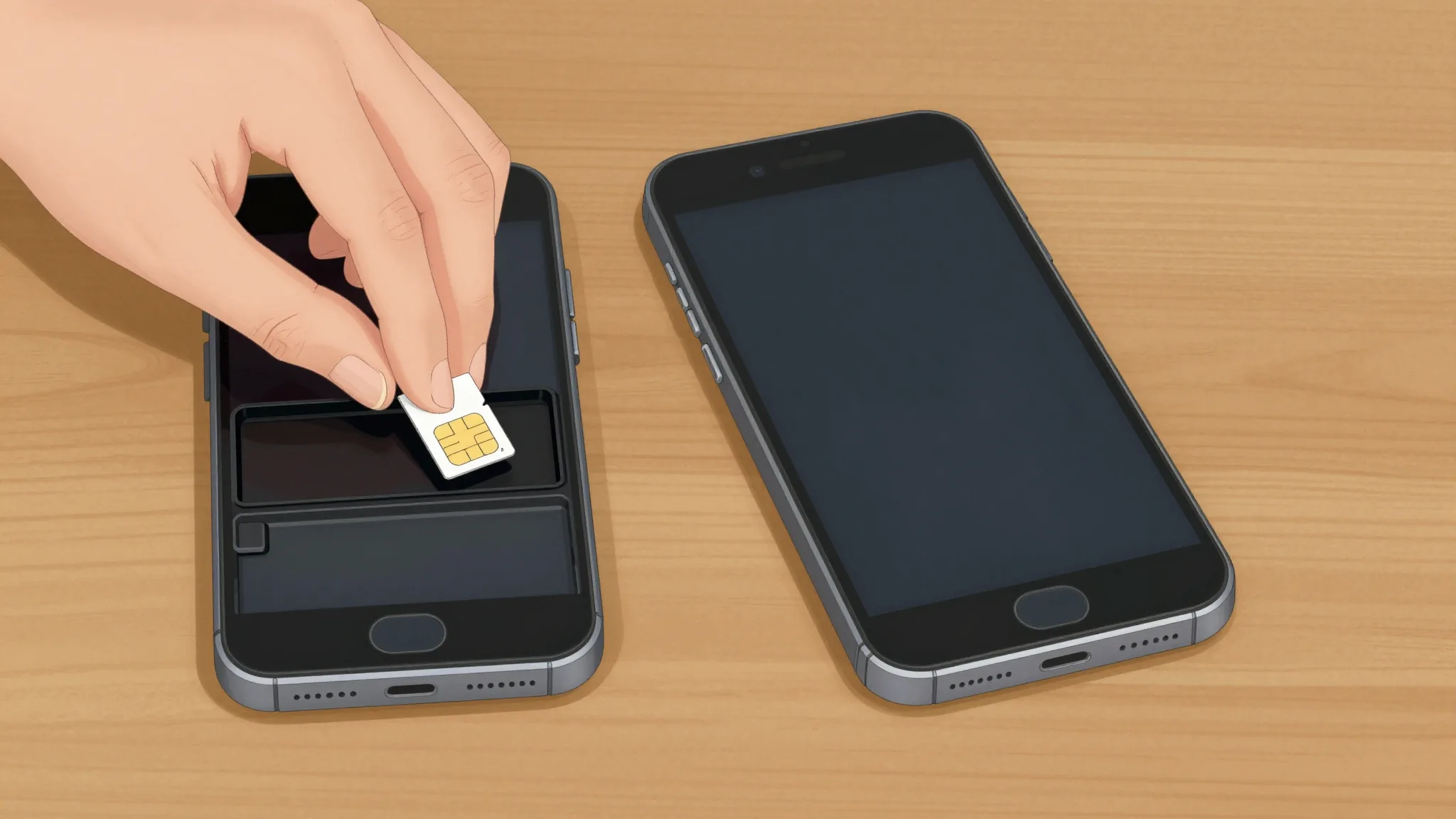
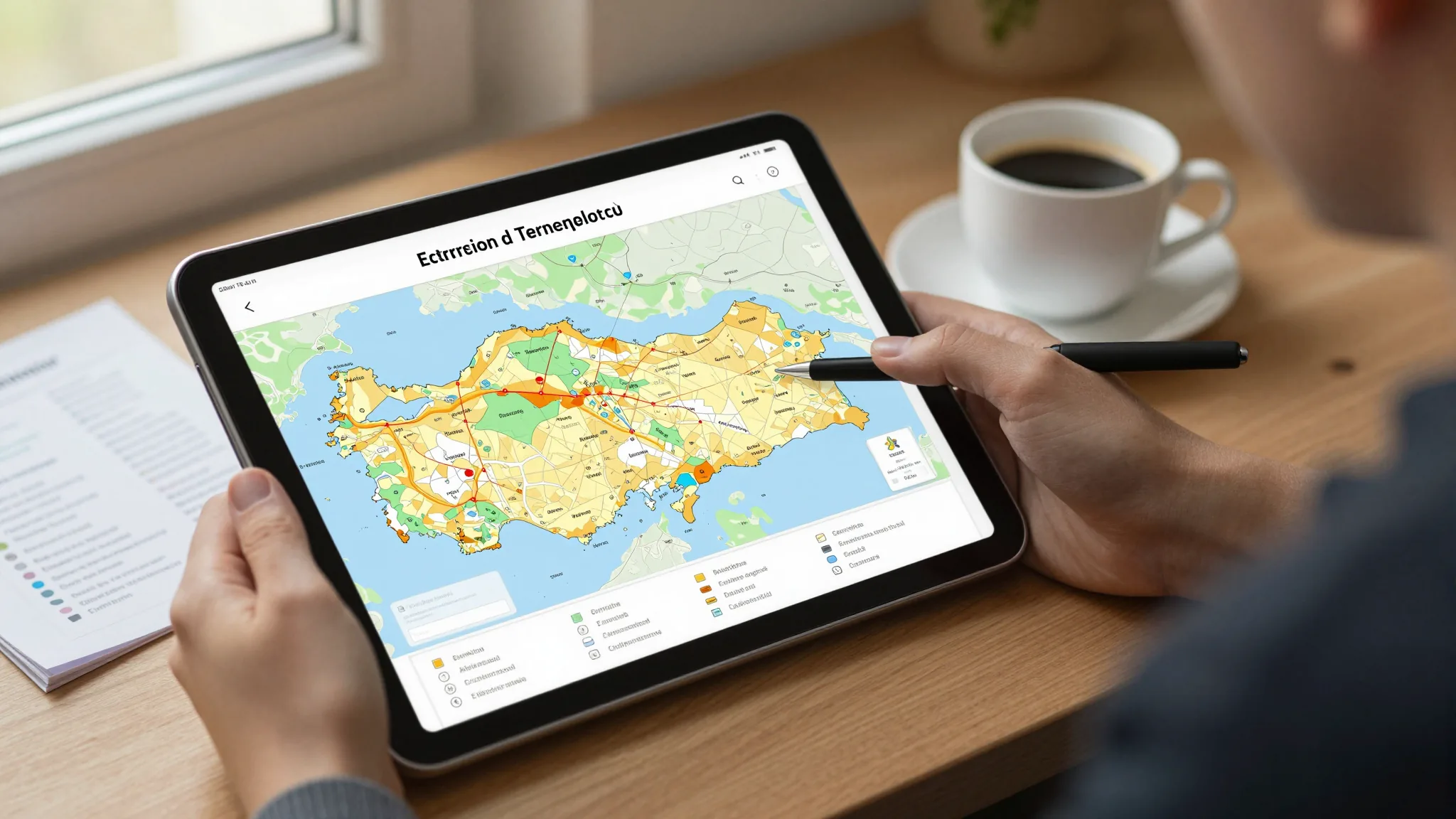
if you frequently misplace small items, the eSIM removes that vulnerability entirely. Therefore, start by listing your devices, your average number of active connections, and how often you switch phones, then match those variables to the compatibility charts provided by your local network operators.
Step-by-Step Migration From Physical to Embedded
If you decide to transition to an eSIM, follow a structured process to avoid service interruption. First, back up your existing physical SIM contacts and data to your device’s cloud storage. Second, verify that your current phone model explicitly supports eSIM profiles by checking the technical specifications in the settings menu. Third, contact your mobile operator to request an eSIM activation QR code;
ensure they confirm that your current plan is transferable to an embedded chip. Fourth, scan the QR code using your phone’s camera or settings wizard while connected to Wi-Fi, and follow the on-screen prompts to download the carrier profile. Finally, once the profile is active, power off the device, remove the physical SIM tray, and reboot to confirm that the eSIM is functioning as your primary connection.
What Happens When You Switch Back to Physical
Reversing the process is equally important to understand, especially if you plan to sell your device or downgrade to an older model. When you move from an eSIM to a physical card, you must first deactivate the embedded profile through your network settings to prevent duplicate billing. Next, insert the physical SIM into the tray and power on the device;
the system will recognize the new hardware and prompt you to configure the network settings. You will then need to contact your carrier to officially transfer the line from the digital profile to the physical card, as the eSIM profile does not automatically deactivate itself. Failure to complete this step can result in both connections remaining active, leading to unexpected charges or network conflicts.
Risks and Mitigation Strategies
The primary risk of relying solely on an eSIM is hardware failure;
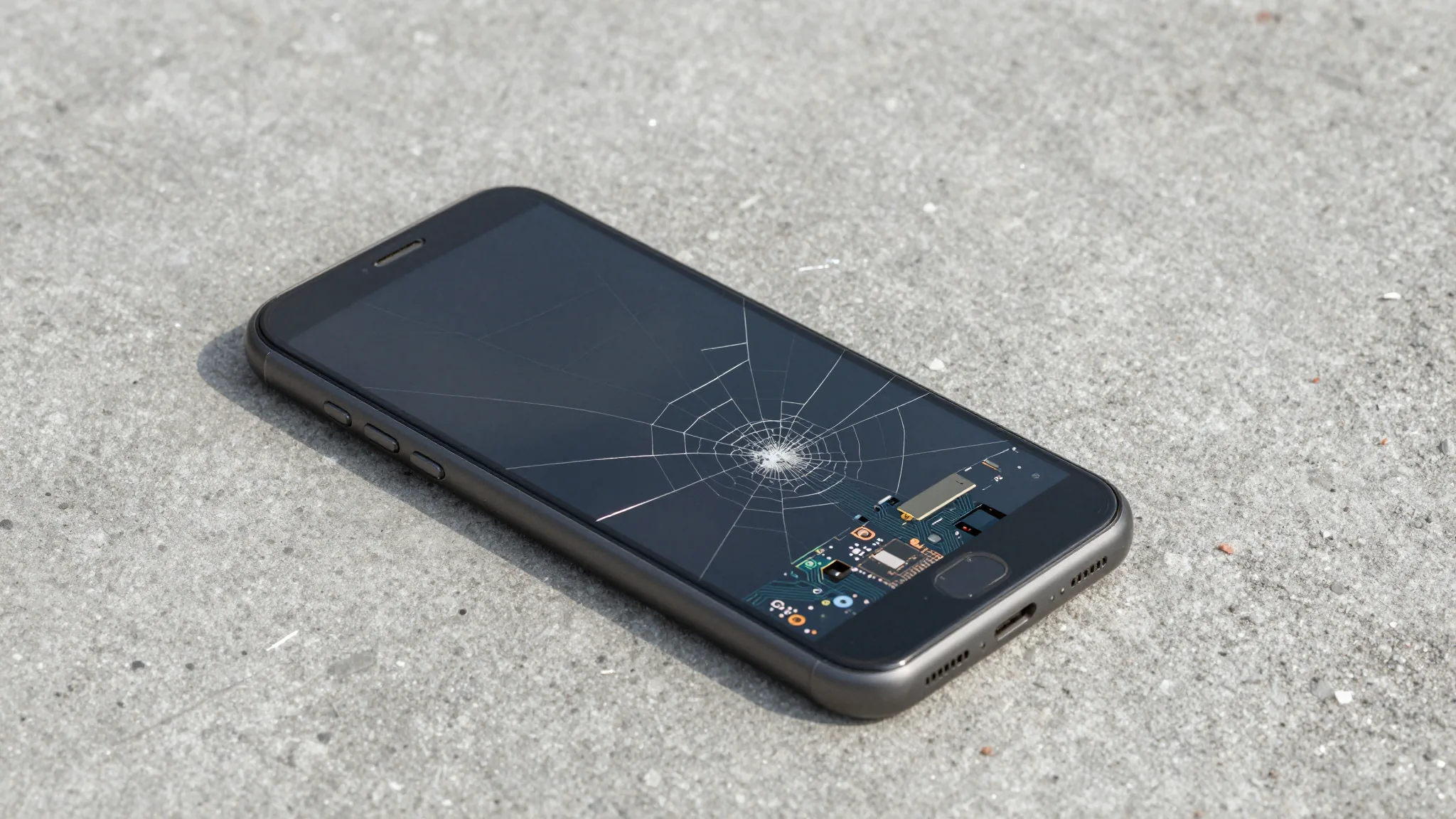
if your phone’s motherboard is damaged, you lose access to all your stored profiles, whereas a physical card can be salvaged and inserted into another device. To mitigate this, always keep a secondary physical SIM on hand for emergencies, or ensure your cloud account allows you to re-download profiles to a replacement device. Another risk involves carrier locking;
some operators restrict eSIM transfers to prevent fraud, meaning you might be unable to move your number to a new device without visiting a service center. Therefore, before purchasing an eSIM-only plan, ask the provider about their portability policies and whether they support remote profile deletion.
Frequently Asked Questions About SIM Types
Can an eSIM and a physical SIM share the same phone number? Yes, most modern devices allow you to assign the same contact number to both the embedded and physical slots, though you must designate one as the primary line for calls and data.
Is there any difference in battery consumption between the two? No, the hardware architecture of both SIM types draws negligible power, and any variation in battery life comes from network signal strength rather than the SIM format itself.
What should I do if my eSIM fails to activate? Restart the device, ensure you are connected to a stable Wi-Fi network, and re-scan the QR code. If the issue persists, contact your carrier’s support line to verify that the profile has not already been used or expired.
In summary, the choice between an eSIM and a physical SIM is not a matter of technological superiority but of lifestyle alignment. Evaluate your hardware ecosystem, your tolerance for physical clutter, and your provider’s support infrastructure before committing. By understanding the activation steps, the reversal process, and the specific failure modes, you can maintain seamless connectivity without falling victim to the hidden limitations of either format.